Many tasks in software systems don't need to happen immediately when a user makes a request. For example:
- Send a welcome email
5 minutesafter a user signs up. - Generate monthly bank statements on the
1stof every month. - Retry failed payments after
30 minutes. - Process uploaded videos after the upload completes.
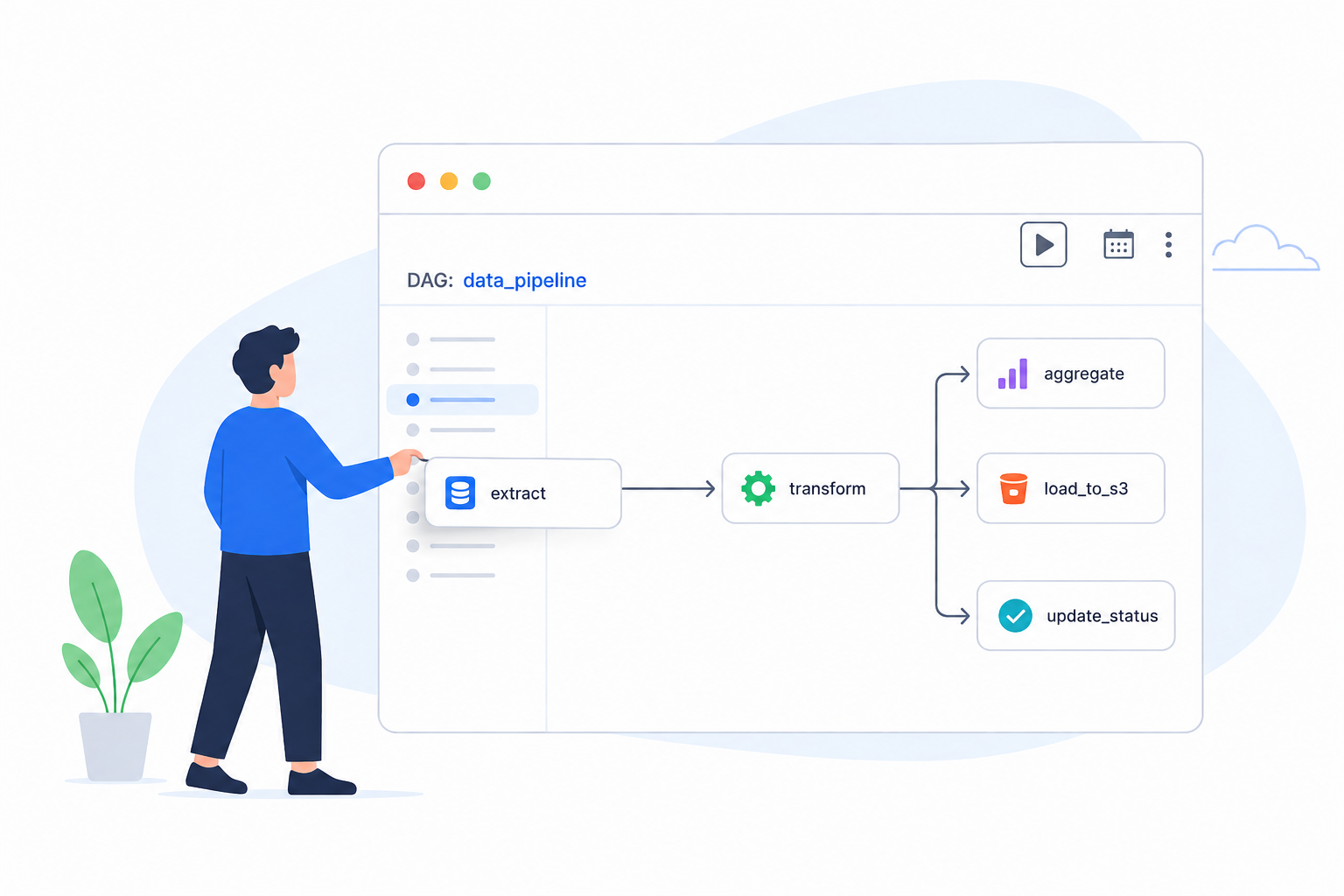
- Orchestrate ETL workflows.
Functional Requirements
Design an Distributed ETL Job Scheduler that:
-
Allow users to schedule jobs using time-based dependencies (Cron).
-
The system should retry failed jobs automatically based on configurable retry policies.
-
The system should keep track of the status of each job (Waiting, Active, Completed Normally, Completed Abnormally, Paused, Cancelled).
Non-Functional Requirements
For a Distributed ETL Job Scheduler, the following non-functional requirements are important:
-
High Throughput: The system should be capable of scheduling 10,000 jobs per second at peak load. For example, imagine a large enterprise that runs thousands of ETL jobs daily. At
2:00 AMevery day, many jobs are scheduled to run simultaneously. The system must quickly identify all jobs that are due and dispatch them for execution. -
Low Execution Latency: A job should begin execution within
1-2 secondsof its scheduled execution time. The system should efficiently identify available workers so that all dispatched jobs start executing with minimal delay. -
High Availability: The system should be highly available (availability > consistency). There should be no single point of failure, ensuring that scheduled pipelines continue to execute without manual intervention.
-
Durability: Execution metadata (start time, end time, duration, status, etc) should be retained for
30 daysto support debugging, auditing, and operational monitoring.
Design Rationale
A Distributed ETL Job Scheduler revolves around a few core concepts. Understanding these terms will make the subsequent design much easier to follow.
Q. What does an ETL job look like?
A job contains everything required for execution, such as:
- What to execute (script, SQL query, Python program, etc)
- When to execute it (schedule, trigger)
- Execution Environment (virtual machine,docker container, lambda function, etc)
- Retry Policy (maximum retries, retry interval, etc)
For example, a typical job definition for a daily sales ETL job for an e-commerce company might look like this:
{
  "name": "daily-sales-etl",
  "type": "Python",
  "command": "python etl/daily_sales_pipeline.py",
  "schedule": "0 2 * * *",
  "parameters": {
    "execution_date": "{{ ds }}"
  },
  "retries": 3,
  "retryDelay": "5m",
  "timeout": "60m",
  "owner": "data-engineering"
}
NOTE: Since this data is highly structured and requires transactional guarantees, a relational database such as PostgreSQL or MySQL is a suitable choice.
Q. How does the job scheduler create execution instances?
To persist the execution status of a job, maintain a Job Execution table that stores one record for every execution (run) of a job. The initial execution record for a job can be created immediately when the job is created.
Once that specific execution instance runs and completes, the scheduler calculates the next scheduled time based on the cron expression and inserts a new entry into the Job Execution table for the subsequent run.
NOTE: which database would be efficient for this?
Q. How does the job scheduler identify jobs that are due for execution?
The scheduler needs to identify jobs that are due for execution to dispatch them to the execution layer. This is a critical operation that needs to be performed efficiently to meet the high throughput requirement.
There are multiple ways to identify jobs that are due for execution.
Naive Approach
To identify jobs that are ready for execution, the scheduler periodically scans the Job Execution
table every second for execution records whose scheduled execution time has arrived (execution_time <= NOW())
and whose current status is Waiting. These records represent jobs that are eligible to run but
have not yet been dispatched.
For each matching execution, the scheduler dispatches it to the execution layer.
While this approach is simple, it introduces several challenges:
-
For
10,000job executions per second, repeatedly querying even an indexed database every second can become a bottleneck. -
After retrieving the jobs, we still need time to initialize them, distribute them to workers, and begin execution. This processing overhead further reduces the available
1-2second scheduling window.
Suitable Approach
We can introduce a two-layered scheduler architecture. Instead of querying the Job Execution table
every second, the scheduler periodically queries the database for all executions scheduled to run
within the next 5 minutes and loads them into an in-memory store (like Redis Sorted Set) ordered by
execution_time.
The scheduler then periodically checks the in-memory store every second for jobs whose execution time has arrived and dispatches them to the execution layer.
Since memory access is orders of magnitude faster than repeatedly executing database queries, the scheduler can efficiently determine which jobs are due for execution while querying the database only once every few minutes to refresh the cache.
NOTE: If a new execution record is created whose
execution_timefalls within the current scheduling window, it should not only be persisted to the Job Execution table but also inserted immediately into the in-memory store. This ensures that newly created executions are considered by the scheduler without waiting for the next database refresh.
Q. How does the job scheduler execute an ETL job?
The scheduler itself does not execute ETL jobs. Its responsibility is to determine when a job should run and delegate the actual execution to worker nodes.
For worker nodes setup, we can have different setups:
Naive Approach
A straightforward approach is to maintain a fixed fleet of worker servers. Whenever the scheduler determines that a job is due for execution, it selects an available worker based on factors such as CPU utilization, memory usage, or the number of currently running jobs, and directly dispatches the job to that worker.
                 Scheduler
                      │
      Select available worker
                      │
     ┌────────────────┼────────────────┐
     ▼                ▼                ▼
 Worker 1         Worker 2         Worker 3
     │                │                │
 Execute ETL     Execute ETL     Execute ETL
Whenever a job becomes due, the scheduler selects an available worker based on factors such as CPU utilization, memory usage, or the number of currently running jobs, and sends the job directly to that worker.
Although this approach is simple, it introduces several challenges:
-
The scheduler must continuously maintain the health and load information of every worker.
-
Every job requires the scheduler to perform worker selection, making it a centralized bottleneck.
-
If a selected worker crashes immediately after receiving the job, the scheduler must detect the failure and redispatch the job.
-
As the number of workers grows from tens to thousands, managing worker state and dispatching jobs becomes increasingly complex.
-
The scheduler becomes tightly coupled to the execution layer, making independent scaling difficult.
Better Approach
To decouple scheduling from execution, introduce an execution queue (e.g., Kafka or RabbitMQ).
                 Scheduler
                      │
      Detects jobs ready to run
                      │
                      ▼
                Message Queue
           (Kafka / RabbitMQ / SQS)
                      │
        ┌─────────────┼─────────────┐
        ▼             ▼             ▼
    Worker 1      Worker 2      Worker 3
        │             │             │
        ▼             ▼             ▼
 Execute ETL     Execute ETL    Execute ETL
Instead of selecting a worker, the scheduler simply publishes the execution to the queue. Worker nodes continuously consume jobs from the queue and execute them.
This approach offers several advantages:
-
The scheduler no longer needs to track worker availability or perform load balancing.
-
Workers pull jobs only when they have capacity, naturally balancing the load.
-
The scheduler and execution layer can scale independently.
-
The queue provides buffering during traffic spikes, preventing the scheduler from overwhelming workers.
However, this approach still relies on a fixed fleet of worker servers. Scaling the execution layer requires provisioning additional machines, and multiple ETL jobs running on the same worker may compete for CPU and memory resources.
Suitable Approach
Instead of maintaining a fixed fleet of workers, use Kubernetes as the execution platform.
                 Scheduler
                      │
                      ▼
           Execution Queue
                      │
                      ▼
            Execution Service
                      │
        Create Kubernetes Job
                      │
                      ▼
        ┌─────────────┼─────────────┐
        ▼             ▼             ▼
      Pod 1         Pod 2         Pod 3
        │             │             │
        ▼             ▼             ▼
 Execute ETL     Execute ETL    Execute ETL
An Execution Service continuously consumes jobs from the execution queue. For each job, it creates a Kubernetes Job (or Pod) that runs the ETL task inside an isolated container.
This architecture provides several benefits:
-
Elastic Scaling: Kubernetes automatically schedules pods across available nodes and can scale the cluster as demand increases.
-
Resource Isolation: Each ETL execution runs in its own container with configurable CPU and memory limits, preventing one job from affecting others.
-
Fault Recovery: If a pod or node fails, Kubernetes automatically recreates the workload on another healthy node.
NOTE: As an alternative to Kubernetes, the execution layer can be implemented using serverless compute such as AWS Lambda. This approach eliminates the need to manage servers, automatically scales with demand, and follows a pay-per-use pricing model. However, serverless platforms have limitations such as maximum execution duration, memory constraints, cold starts, and limited support for long-running or resource-intensive ETL pipelines.
Q. How does the job scheduler track the execution status of a job?
Since the scheduler acts as the orchestrator, it needs to get status updates from workers to know if the job completed successfully or not.
There are multiple ways to get status updates from workers back to the scheduler.
Naive Approach
The worker directly updates the execution record in the Job Execution table. The scheduler periodically polls the table to detect changes in the execution status.
Although this approach is simple, it introduces several challenges:
-
Polling Overhead: The scheduler continuously polls the database even when no job status has changed, resulting in unnecessary database queries.
-
Scheduler Bottleneck: As the number of concurrent jobs grows, the scheduler spends a significant amount of time polling the database instead of scheduling new jobs.
-
Delayed Detection: Status changes are only detected during the next polling cycle, increasing the time before dependent jobs can be triggered.
Better Approach
Instead of polling, workers actively notify the scheduler whenever the execution state changes using an HTTP (or gRPC) callback. For example:
POST /job-runs/1001/status

{
    "status": "Completed Normally",
    "completedAt": "2026-08-06T02:03:15Z"
}
or
POST /job-runs/1001/status

{
    "status": "Completed Abnormally",
    "failureReason": "Connection timeout"
}
The scheduler immediately updates the execution metadata. However, this approach also introduces some challenges:
-
Tight Coupling Between Scheduler and Workers: Workers depend on the scheduler being available to report execution status.
-
Retry Complexity: If the scheduler is temporarily unavailable, status updates fail. Workers must implement retry logic, exponential backoff, and timeout handling.
-
Scheduler Bottleneck: As the number of workers grows, the scheduler becomes the centralized endpoint for all status updates, competing with its primary responsibility of scheduling jobs.
Suitable Approach
Adopt an event-driven architecture where workers publish execution events to a durable message queue such as Kafka or RabbitMQ.
Workers publish immutable events such as JOB_STARTED,JOB_COMPLETED or JOB_FAILED to the
message queue. The scheduler asynchronously consumes these events and updates the corresponding
execution record.
The benefits associated with this approach are:
-
Loose Coupling: Workers are independent of the scheduler's availability.
-
High Throughput: The scheduler consumes events asynchronously without being overwhelmed by thousands of concurrent HTTP requests.
-
Fault Tolerance: Events remain in the message queue until they are successfully processed.
-
Scalability: Both workers and scheduler instances can scale horizontally without changing the communication model.
Q. How does the scheduler persist and track the lifecycle of a job execution for auditing and monitoring?
The records in the Job Execution table are continuously updated to track the status of the execution as it progresses. However, since the same row is continuously updated, only the latest state is retained. We cannot determine the exact sequence of events that led to the current state or how long the job remained in each state.
The possible job states are:
| State | Description |
|---|---|
| Waiting | The job is waiting for its scheduled time before it can be scheduled for execution. |
| Active | The job has been dispatched to a worker and is currently being executed. |
| Completed Normally | The job finished successfully without any errors. |
| Completed Abnormally | The job terminated unexpectedly due to an execution issue, such as a timeout, worker crash, process termination, or infrastructure failure. |
The scheduler needs to maintain the lifecycle of every job execution so that users can monitor progress, troubleshoot failures, and perform audits.
Possible approaches to maintain the lifecycle of a job execution are:
Naive Approach
Maintain a Job Execution History table. Every time the execution changes state, insert a new row.
This provides a complete audit trail. However, as the number of executions grows, this table becomes write-intensive. Running analytical queries on this table can impact the scheduler's write performance.
Better Approach
Instead of writing directly to the execution history table, publish every state transition as an execution event.
Worker
    │
ExecutionCompleted
    ▼
Kafka
    │
    ├──────────────┐
    ▼              ▼
Scheduler     Audit Service
    │              │
Update         Append-only
JobExecution   Event Store
Every state transition becomes an immutable event.
Benefits:
- Scheduler performs only operational updates.
- Auditing is completely decoupled.
- Multiple downstream consumers (monitoring, dashboards, alerts, analytics) can consume the same event stream.
- No contention between operational writes and analytical queries.
Sequence Flow
Let's break down the sequence flow of few of the major use cases:
Create a New Job
-
The client makes a
POST /jobsrequest to thescheduler-servicewith the job definition (name,type,command,schedule,parameters,retries,retryDelay,timeout,owner) passed as JSON payload in the request body. -
The
scheduler-serviceperforms the following steps within a single database transaction:- Validates the request body .
- Perists the job definition in the
job-definitiontable. - Creates the initial execution record in the
job-executiontable with the state Waiting and the first scheduledexecution_time.
-
If the transaction completes successfully, the service returns
201 Createdalong with the generatedjobId. If any validation fails, it returns400 Bad Request. If the job already exists, it returns409 Conflict. If an unexpected server-side error occurs, it returns500 Internal Server Error.
Scenario: Success. Press Step to walk through the sequence one message at a time.
Playback runs at 25× real time so each step is visible. At this per-request latency, sustaining the 10K jobs/sec throughput NFR needs roughly 1220 concurrent in-flight requests across the scheduler fleet.
Schedule a Job
Execute a Scheduled Job
Track the Status of a Scheduled Job
API Design
How will the scheduler get upcoming jobs to execute?
Job Service
Scheduler Service
Dispatcher Service
Executor Service
Data Model Design
Job Definition Table
A typical schema for the Job Definition table might look like this:
| Job ID | Name | Type | Command | Schedule | Parameters | Retries | Retry Delay | Timeout | Owner |
|---|---|---|---|---|---|---|---|---|---|
| 1001 | daily-sales-etl | Python | python etl/daily_sales_pipeline.py | 0 2 * * * | {"execution_date": "{{ ds }}"} | 3 | 5m | 60m | data-engineering |
Job Execution Table
Concentrating all writes for a given hour into a single partition could create a hot partition under heavy load. We'll address this with write sharding in the scaling deep dive.
| Run ID | Job ID | Status | Start Time | End Time | Worker | Retry Count |
|---|---|---|---|---|---|---|
| 1001 | 10 | Waiting on Dependencies | - | - | - | 0 |
Job Execution History Table
High-Level Design
Follow-up Questions
Q. How will cancellation of an executing job work?
Q. Do we need to revered the changes of a cancelled job?
Q. What to do when a batch processing fails after uploading 60% of the data?
Q. A downstream risk calculation is delayed because one upstream pipeline failed. How would you design the pipeline to minimize downstream impact?
A resilient data pipeline should use fallback data to protect downstream tasks from hanging. Two common techniques to define fallback data are:
-
Stale Data: Serve the last known good data from local cache or database. Downstream tasks run on slightly old data instead of waiting for the upstream to complete.
-
Default or Synthetic Data: Use safe default values, zero, or estimated averages. This keeps the downstream tasks running while the upstream is fixed.