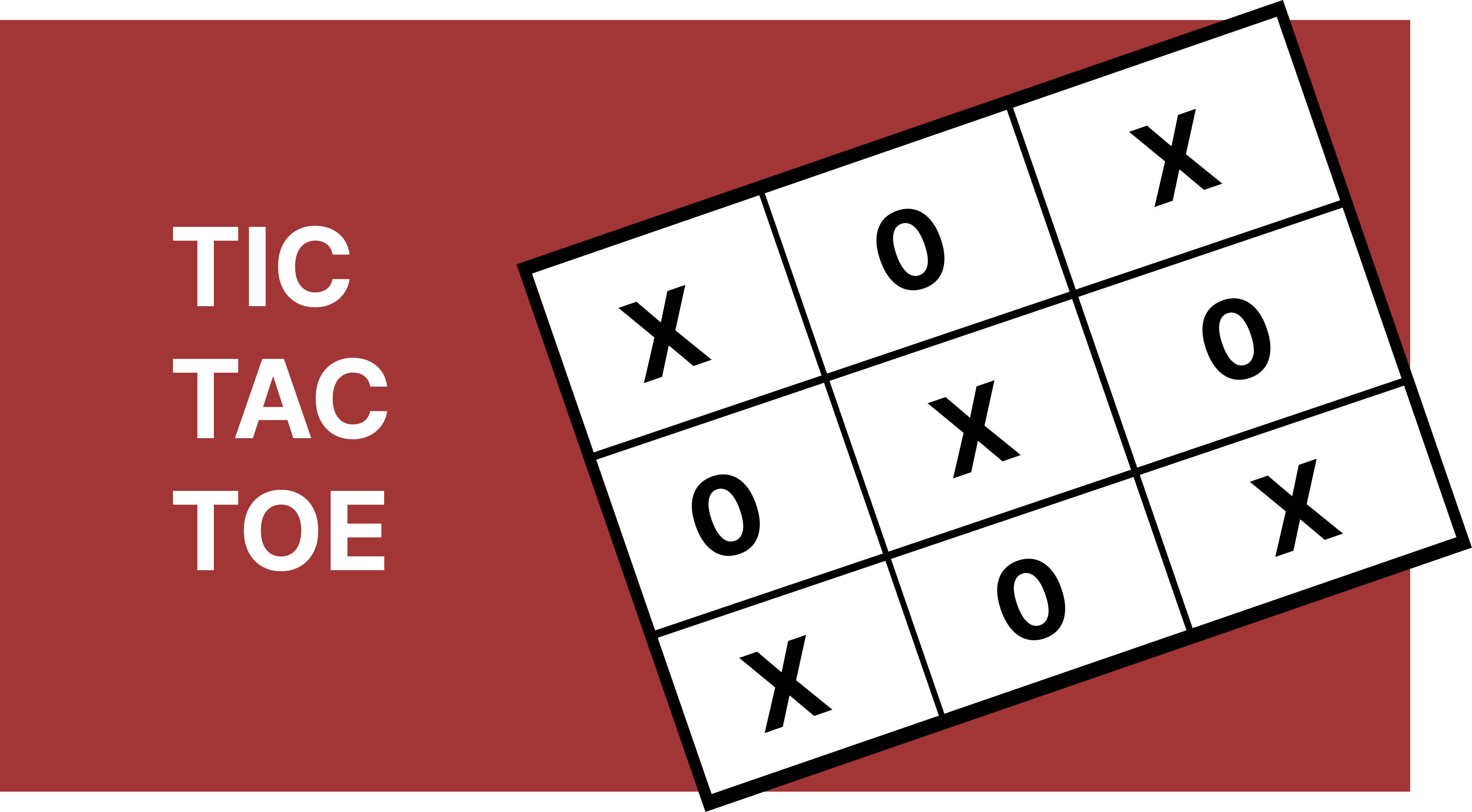
Design a Tic-Tac-Toe game for two players that allows them to play on a 3x3 grid, take alternate turns, validate moves, and determine the winner or a draw based on the game state.
Functional Requirements
-
Assign each player a unique symbol (e.g., X and O) at the start of the game.
-
Enforce alternating turns between players and always indicate the current player's turn.
-
Allow players to make a move by selecting a cell (row, column), ensuring the cell is not already occupied, and update the board accordingly.
-
Allow players to undo the last move, restoring the previous board state and switching the turn back to the respective player.
-
Check after every move whether the current player has won by completing a row, column, or diagonal.
-
Detect a draw when all cells are filled and no player has won.
-
Keep track of the score for each player.
Primary Use Cases
The primary use cases involved in the Tic-Tac-Toe game include players making moves on the board and optionally undoing previous moves, with the system responsible for maintaining board state, enforcing turn order, and determining game outcomes such as win or draw.
Use Case 1: Move a New Move
-
A player makes a move by selecting a cell using a
[row, column]coordinate on the board. -
The system validates if the selected cell is not already occupied. If valid, it updates the cell with the player's symbol.
-
Next, the system evaluates whether the move results in a win or draw. If the game is still in progress, the turn is switched to the next player.
-
If a player wins, the system updates the player's score to reflect the victory.
Use Case 2: Undo a Previous Move
-
A player requests to undo the last move.
-
The system retrieves the most recent move from the move history and reverts the board state by clearing that move.
-
Next, the system switches the turn back to the player who made the undone move and updates the player's score if necessary.
Object-Model Design
The primary entities in the system include:
Game
The Game class is responsible for validating and coordinating each player's move, swithing
turns, updating the board state, and tracking each player's wins.
It maintains the core state required to run the game, include the list of players, the current player's turn, the board instance, and a history of moves to support undo functionality;
In order to adhere to the Single Responsibility Principle, it should not handle low-level
operations such as validating moves and updating the board state. Instead, it should delegate
these responsibilities to the Board class, ensuring a clean separation of concerns and
better maintainability.
class Game {

    Player[] players;
    Board board;
    int currentPlayerIndex;
    Stack<Move> moveHistory;

    Game() {
        this.players = new Player[]{new Player("Bob", "O"), new Player("Alice", "X")};
        this.board = new Board();
        this.currentPlayerIndex = 0;
        this.moveHistory = new ArrayDeque<>();
    }

    public void playMove(int row, int column) {
        Player player = players[currentPlayerIndex];

        // Step 1: Validate Move
        if(!board.isValidMove(row, column)) {
            System.out.println("Invalid Move!");
            return;
        }

        // Step 2: Update board state
        board.makeMove(row, column, player.symbol);

        // Step 3: Record move in move history
        moveHistory.push(new Move(row, column, player));

        // Step 4: Check for a win
        if(board.isWinningMove(row, column, player.symbol)) {
            player.incrementWins();
            return;
        }

        // Step 5: Check for a draw
        if(board.isfull()) {
            System.out.println("Draw!");
            return;
        }

        // Step 6: Switch turn to next player
        switchTurn();
    }

    public void undo() {
        if(moveHistory.isEmpty()) {
            System.out.println("No moves to undo!");
            return;
        }

        // Step 1: Retrieve the last move
        Move lastMove = moveHistory.pop();

        // Step 2: Revert the board state
        board.undoMove(lastMove.row, lastMove.column);

        // Step 3: Switch turn back to the previous player
        switchTurn();
    }

    private void switchTurn() {
        currentPlayerIndex = (currentPlayerIndex + 1) % 2;
    }

}
Player
The Player class represents a participant in the game. It serves as a data holder with
limited behavior, typically including attributes such as the player's name, assigned symbol
(e.g., X or O), and score (number of wins).
class Player {

    String name;
    Symbol symbol;
    int wins;

    Person(String name, Symbol symbol) {
        this.name = name;
        this.symbol = symbol;
    }

    public void incrementWins() {
        wins++;
    }

}
Board
The Board class represents the core data structure of the game. It encapsulates all board-related
operations, such as validating whether a move is allowed, updating the state of a cell when a
move is made, and reverting a move when an undo is requested.
NOTE: Since each cell only needs to store a
Symbol, we can use aSymbol[][]for simplicity and efficiency. We can introduce aCellabstraction only if additional metadata or behavior per cell is required.
enum Symbol {
    X,
    O,
    EMPTY // represents unoccupied cells
}

class Board {

    private static final int SIZE = 3;
    private Symbol[][] grid;


    public Board() {
        this.grid = new Symbol[SIZE][SIZE];

        // Initialize all cells to EMPTY
        for(int i = 0; i < SIZE; i++) {
            for(int j = 0; j < SIZE; j++) {
                grid[i][j] = Symbol.EMPTY;
            }
        }
    }

    // Validate if cell is empty
    public boolean isValidMove(int row, int col) {
        return grid[row][col] == Symbol.EMPTY;
    }

    // Apply move
    public boolean makeMove(int row, int col, Symbol symbol) {
        grid[row][col] = symbol;
    }

    // Undo move
    public void undoMove(int row, int col) {
        grid[row][col] = Symbol.EMPTY;
    }

    // Check if board is full
    public boolean isFull() {
        for (int i = 0; i < SIZE; i++) {
            for (int j = 0; j < SIZE; j++) {
                if (grid[i][j] == Symbol.EMPTY) return false;
            }
        }
        return true;
    }

    // Check if the move is a winning move
    public boolean isWinningMove(int row, int col, Symbol symbol) {

        // Check row
        boolean isWinningRow = true;
        for (int j = 0; j < SIZE; j++) {
            if (grid[row][j] != symbol) {
                isWinningRow = false;
                break;
            }
        }

        // Check column
        boolean isWinningColumn = true;
        for (int i = 0; i < SIZE; i++) {
            if (grid[i][col] != symbol) {
                isWinningColumn = false;
                break;
            }
        }

        // Check diagonal
        boolean isWinningDiagonal = true;
        if (row == col) {
            for (int i = 0; i < SIZE; i++) {
                if (grid[i][i] != symbol) {
                    isWinningDiagonal = false;
                    break;
                }
            }
        } else {
            isWinningDiagonal = false;
        }

        // Check Anti-Diagonal
        boolean isWinningAntiDiagonal = true;
        if (row + col == SIZE - 1) {
            for(int i = 0; i < SIZE; i++) {
                if (grid[i][SIZE - i - 1] != symbol) {
                    isWinningAntiDiagonal = false;
                    break;
                }
            }
        } else {
            isWinningAntiDiagonal = false;
        }

        return isWinningRow || isWinningColumn || isWinningDiagonal || isWinningAntiDiagonal;

    }

}
Move
The Move class represents a single action taken by a player during the game. It encapsulates the
minimal information required to describe an action: the row and column of the selected cell,
and the Player who made the move.
One of the primary reasons for introducing the Move class is to support undo functionality.
class Move {

    int row;
    int col;
    Player player; // what is the need for Player object here...

    Move(int row, int col, Player player) {
        this.row = row;
        this.col = col;
        this.player = player;
    }

}